
Shelter
Give adopters and fosters portal access
In Vivetra: Shelter › Adoptions · Shelter › Foster
Adopters and foster caregivers can have their own client portal account, where they see their animals, forms and fees, and fosters post to the animal journal. You invite them, and lock them out again if you need to, from their row on the roster.
You need portal permission to invite or change access. Without it, the Portal column is just text.
Invite someone to the portal
The person needs an email address on their record. That's the address they sign in with.
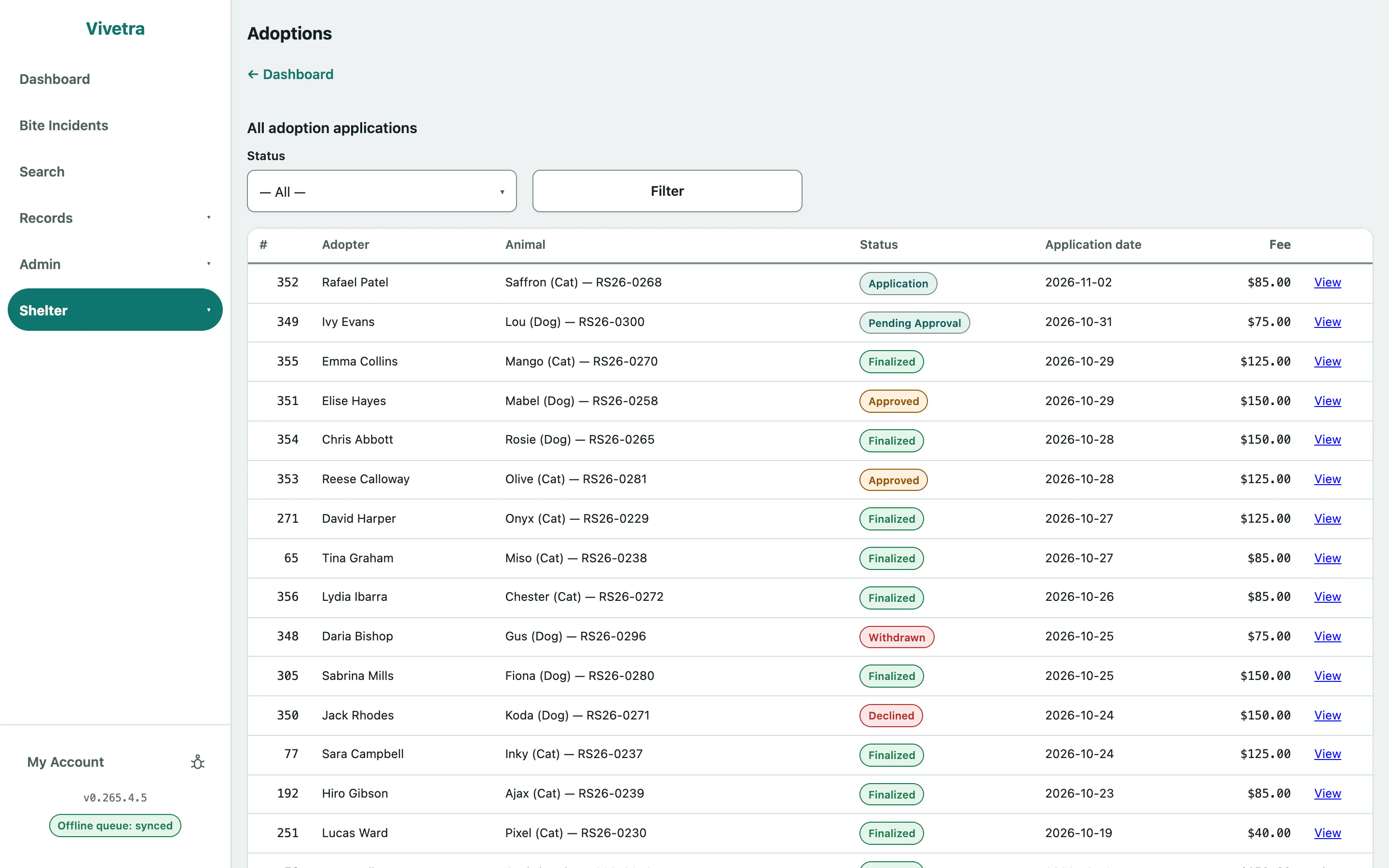
- For an adopter, select Adoptions in the Shelter menu. For a foster caregiver, select Foster.
- In the roster, select their entry in the Portal column (Not invited, Not set up, Active or Revoked). For a caregiver, use Portal on the Caregiver roster; for an adopter, Portal on the Adopter roster.
- The Portal access panel opens. Select Invite to the portal. On the Foster screen it's the same button (Invite to the portal).
Vivetra emails them a one-time link where they choose their own password. The link works once and expires in seven days.
The link also appears on screen under Invitation link — shown once, in case the email doesn't arrive. Copy it or read it to them then, because it won't be shown again.
If they've already been invited, the button reads Send a new invitation. Sending a new one cancels the old link.
The panel also shows their Account status, the email they sign in with, any Outstanding invitation, when they Last signed in and whether Two-factor sign-in is on.
Lock someone out or let them back in
Open their Portal access panel as above, then:
| Button | What it does |
|---|---|
| {{ui:Revoke portal access | adoptions.portal-revoke}} |
| {{ui:Sign out everywhere | adoptions.portal-end-sessions}} |
| {{ui:Restore portal access | adoptions.portal-restore}} |
| {{ui:Clear sign-in lockout | adoptions.portal-unlock}} |
Select Close this panel when you're done.