
Equine
Track horse insurance policies and claims
Keep track of a horse's insurance policies, and of any claims and the paperwork each one needs. Vivetra only tracks status. It never sends a claim to an insurer; someone submits it to the insurer directly and updates the status here.
Adding and changing policies and claims needs the ownership-management permission. Front desk, vets and practice managers have it by default.
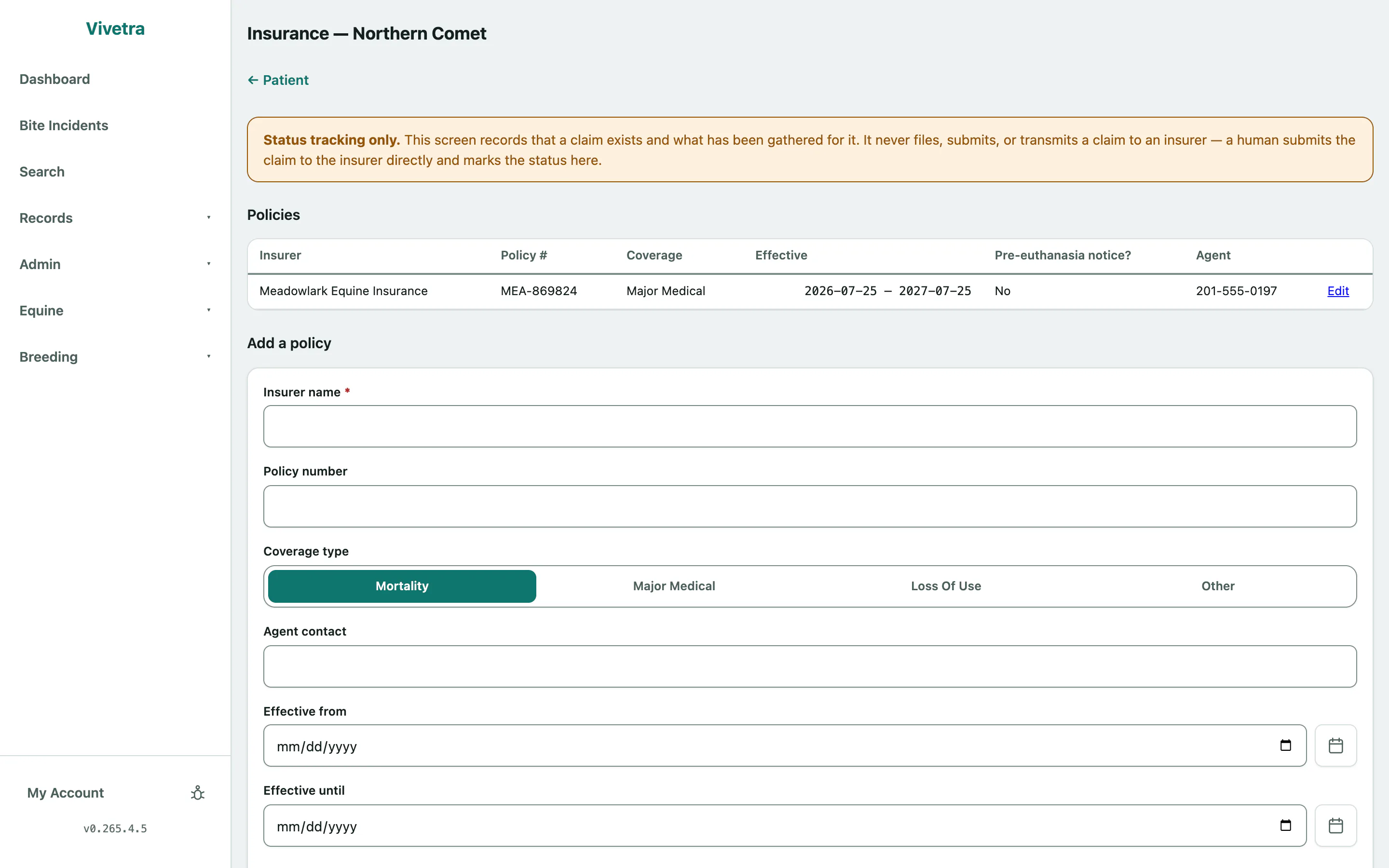
Add a policy
- On the horse's record, select Insurance claims (see Work with a horse's record).
- Under Add a policy, enter the Insurer name and Policy number.
- Choose the Coverage type: Mortality, Major Medical, Loss Of Use or Other.
- Tick Requires insurer notification before euthanasia if the policy says so.
- Select Add policy.
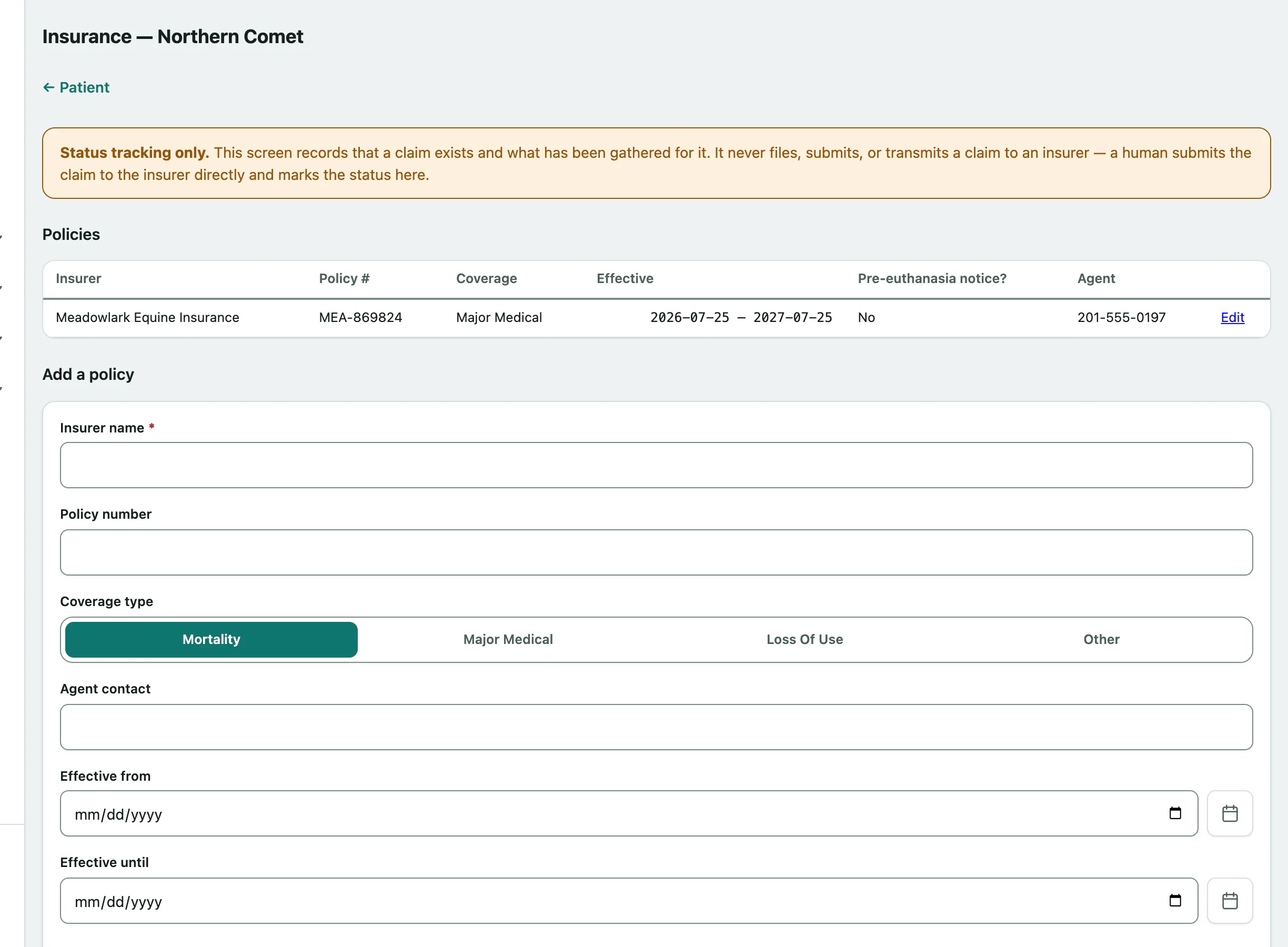
The Agent contact, Effective from and Effective until dates are optional but worth filling in.
To change a policy, select Edit on its row, make your changes and select Save policy.
Open a claim
You need at least one policy before you can open a claim.
- Under Open a claim, choose the Policy.
- If the claim is about a particular visit, choose it in Triggering event (visit, optional).
- Select Open claim (starts as Pending).
Update a claim
- In Claims, select Open on the claim.
- Under Update claim status, choose the Status: Pending, Submitted, Paid, Denied, Withdrawn or Other. Fill in the Submitted on and Resolved on dates as they happen.
- Select Save status.
Setting Submitted records that someone sent the claim to the insurer. It doesn't send anything itself.
Track the claim's documents
Each claim has a Document checklist of what the insurer needs, such as a claim form, vet records, invoices or a necropsy report.
- Under Add a document to the checklist, enter the Document type and choose its status: Needed, Gathered or Not Applicable.
- Select Add document.
When you've got a document, change its status on its row and select Set.