
Records & admin · Records
Record a privacy or security incident
In Vivetra: Records › Privacy Breach Log
On this page
The Privacy Breach Log is your register of every security or privacy incident: a lost laptop, an email to the wrong client, someone looking at records they shouldn't. Record every one, even if it's too small to report, because the law may require you to keep the register.
Only people with incident-management permission can open it. By default that's practice managers.
Record a new incident
- Select Records › Privacy Breach Log in the menu.
- Under Record a new incident, enter when you found out in Discovered at. Add Occurred at (estimate, if known) if it happened earlier.
- Say what happened in Description.
- Fill in what you know: Affected record types (free text) and Estimated individuals affected.
- Write your Harm-risk assessment: how likely it is that someone is harmed, and how badly. Vivetra never works this out for you.
- Select Record incident.
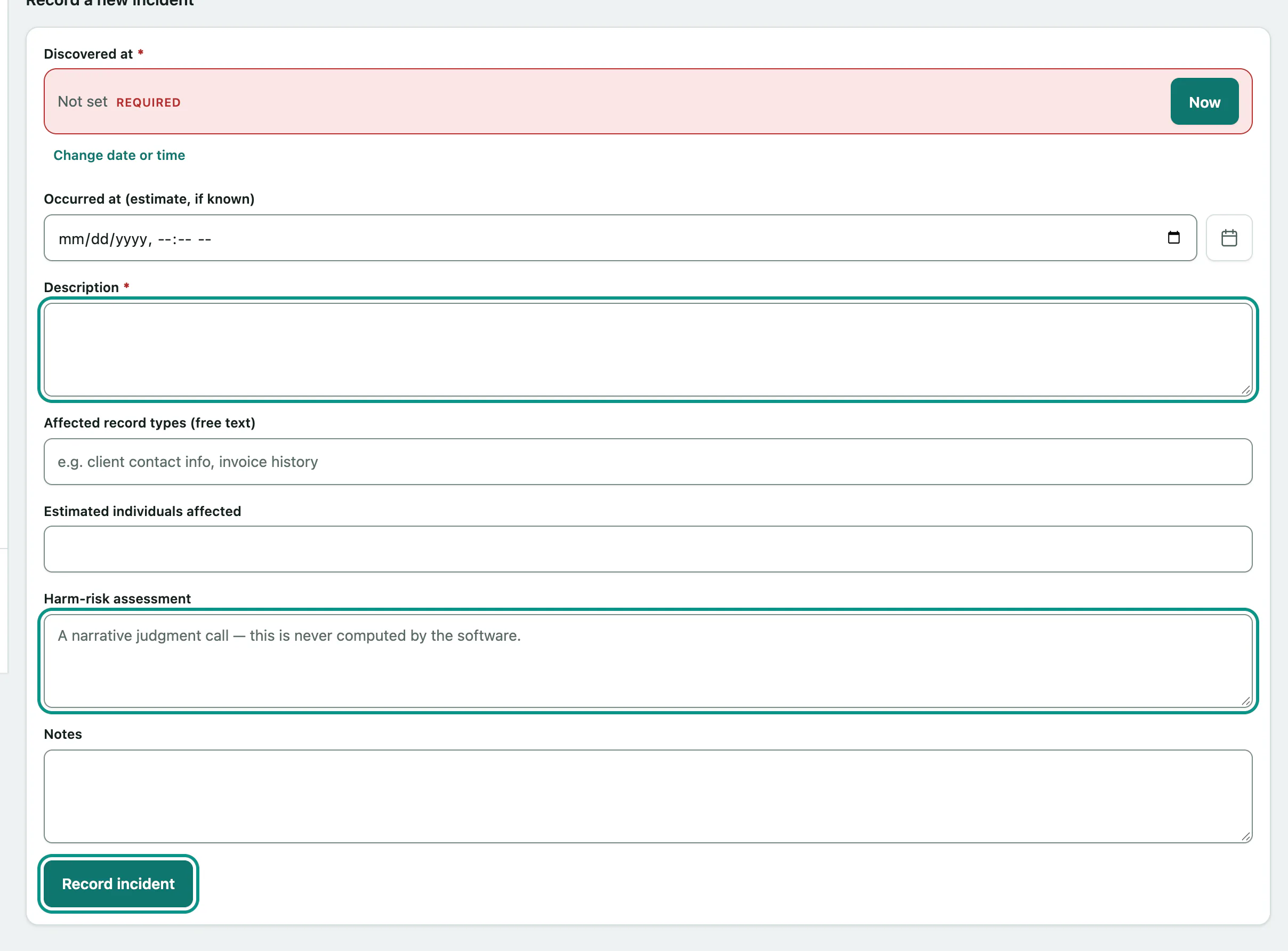
New incidents start as open. The Register lists them all; select an incident's number to open it.
Follow an incident through
On the incident's page:
- To move it on, choose a Status (open, investigating, contained or closed) and select Update status.
- When you've reported it to the regulator, select Record regulator report.
- When you've told the people affected, select Record individual notification.
- To add what you've learned since, type it in Note and select Add note.