
Client portal · Equine
Sign a form for your horse
In Vivetra: Forms to sign
When the practice needs your signature, such as a consent or an estimate approval, it can send the form to Forms to sign for you to read and sign online.
Sign a form
- Select Forms to sign in the portal menu. Anything waiting is listed under Waiting for you.
- Select Read & sign next to the form. Read What you're agreeing to and Signing electronically.
- Tick I've read the above and I'm happy to sign electronically.
- Type your name in Type your full name to sign.
- Select Sign this form.
You'll see Signed — thank you. We've kept a copy of exactly what you signed and when.
If you aren't sure about something, select Cancel and call the practice before you sign. If a form has no written summary attached, the page asks you to call before signing.
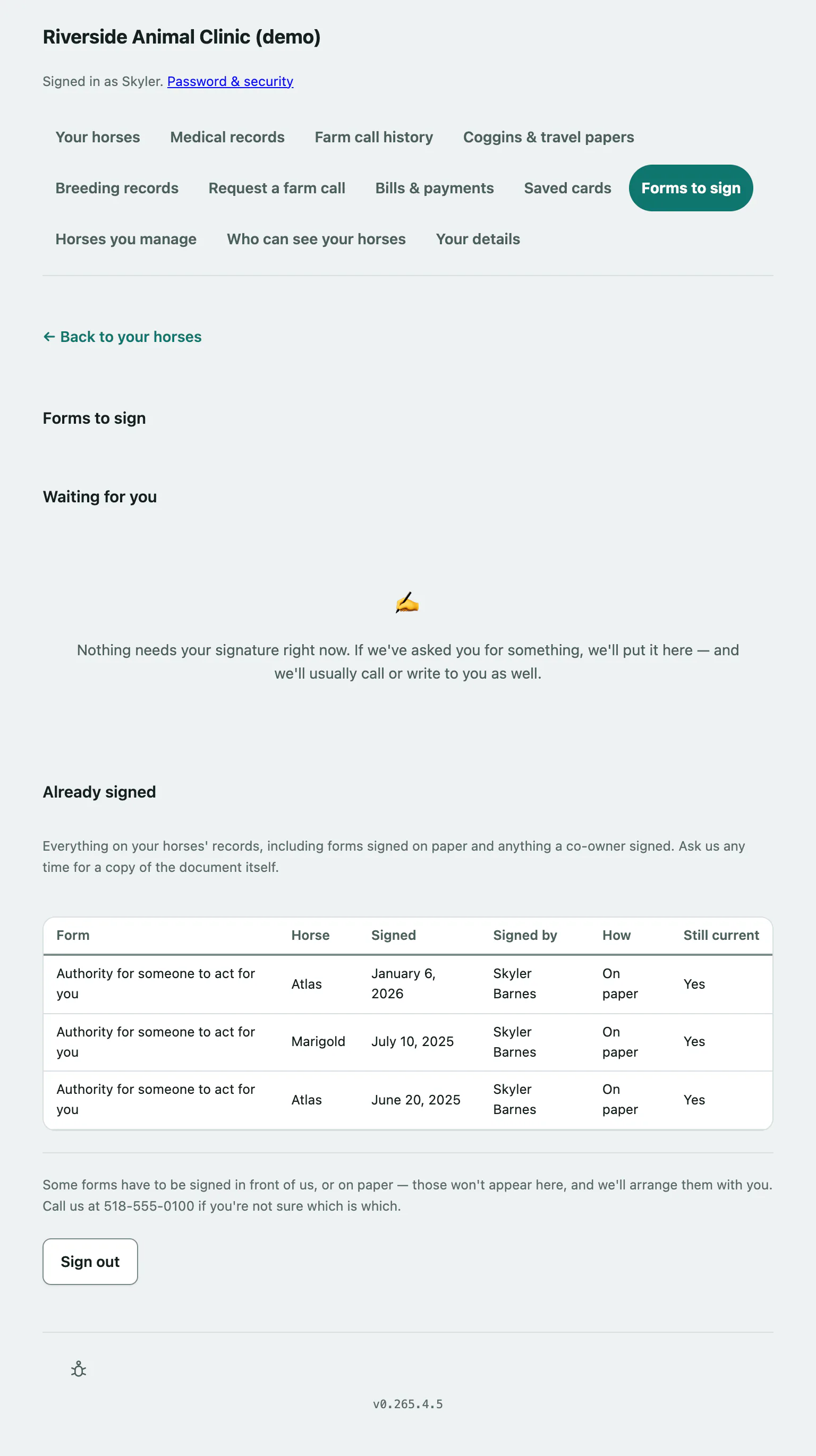
Forms you've already signed
Already signed lists every signed form on your horses' records, including forms signed on paper and anything a co-owner signed. It shows who signed, when, Online or On paper, and whether the form is Still current or has been Replaced since. Ask the practice if you want a copy of the document itself.
If you can't sign
- A form showing Please call us about this one. can't be signed online, for example because the horse is no longer with you. Call the practice.
- Some forms have to be signed in person or on paper. Those never appear here.
- Forms are signed by the horse's owner, so barn managers won't see anything to sign.
- If your practice doesn't use online signing, the page tells you to call instead.