
Client portal
Confirm an appointment
In Vivetra: Your pets
On this page
Let the practice know you can still make an appointment. You can confirm from the link in your appointment reminder, without signing in, or from Your pets in the portal.
Confirming only tells the practice you're coming. To change or cancel an appointment, call the practice.
Confirm from your reminder
Appointment reminders from the practice can include a one-tap confirm link under "Can you still make it?". Open that link. The Confirm your appointment page shows your pet, the date and time, the vet and where it is.
- Select Yes, I'll be there.
You'll see You're confirmed — thank you. The link only works for the one appointment it was sent for. If it has expired or the appointment has changed, the page says We couldn't confirm an appointment from this link and gives you the practice's number.
Confirm in the portal
- Select Your pets in the portal menu.
- Under Upcoming visits on your pet's card, select I'll be there next to the appointment.
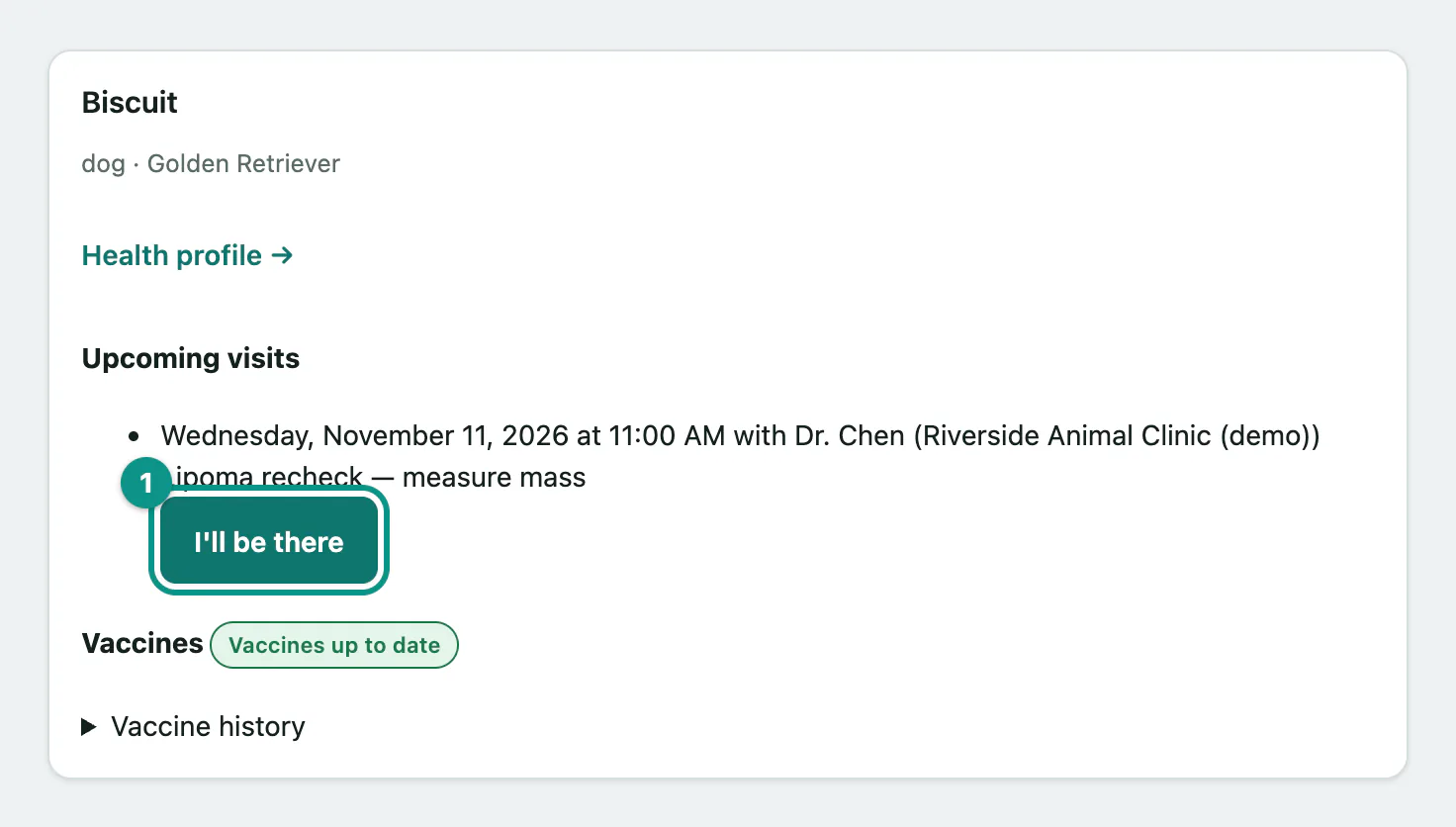
You'll see Thanks — we've got you down. See you then! and the appointment is marked Confirmed.
If you see That appointment can't be confirmed online right now — please give us a call., the appointment has changed since the page loaded. Call the practice.