
Client portal · Shelter
Answer an adoption check-in
In Vivetra: Adoption check-in
After an adoption, the shelter may ask you a few short questions about how things are going: usually a couple of weeks afterwards, and once more further down the line. You answer them under Adoption check-in.
Answer a check-in
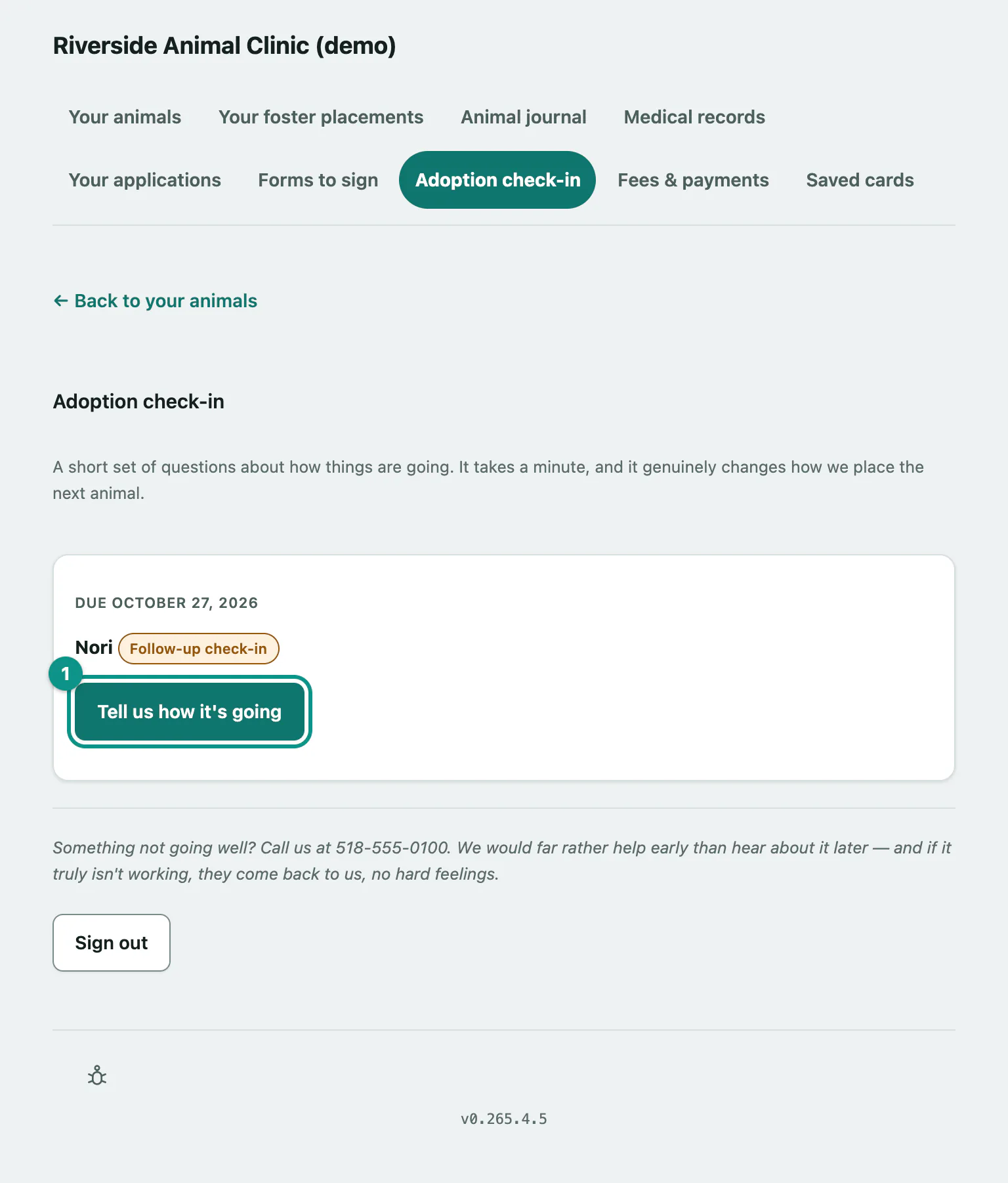
- Select Adoption check-in in the portal menu. Each check-in shows the animal, its due date, and whether it's the First check-in or a Follow-up check-in.
- Select Tell us how it's going.
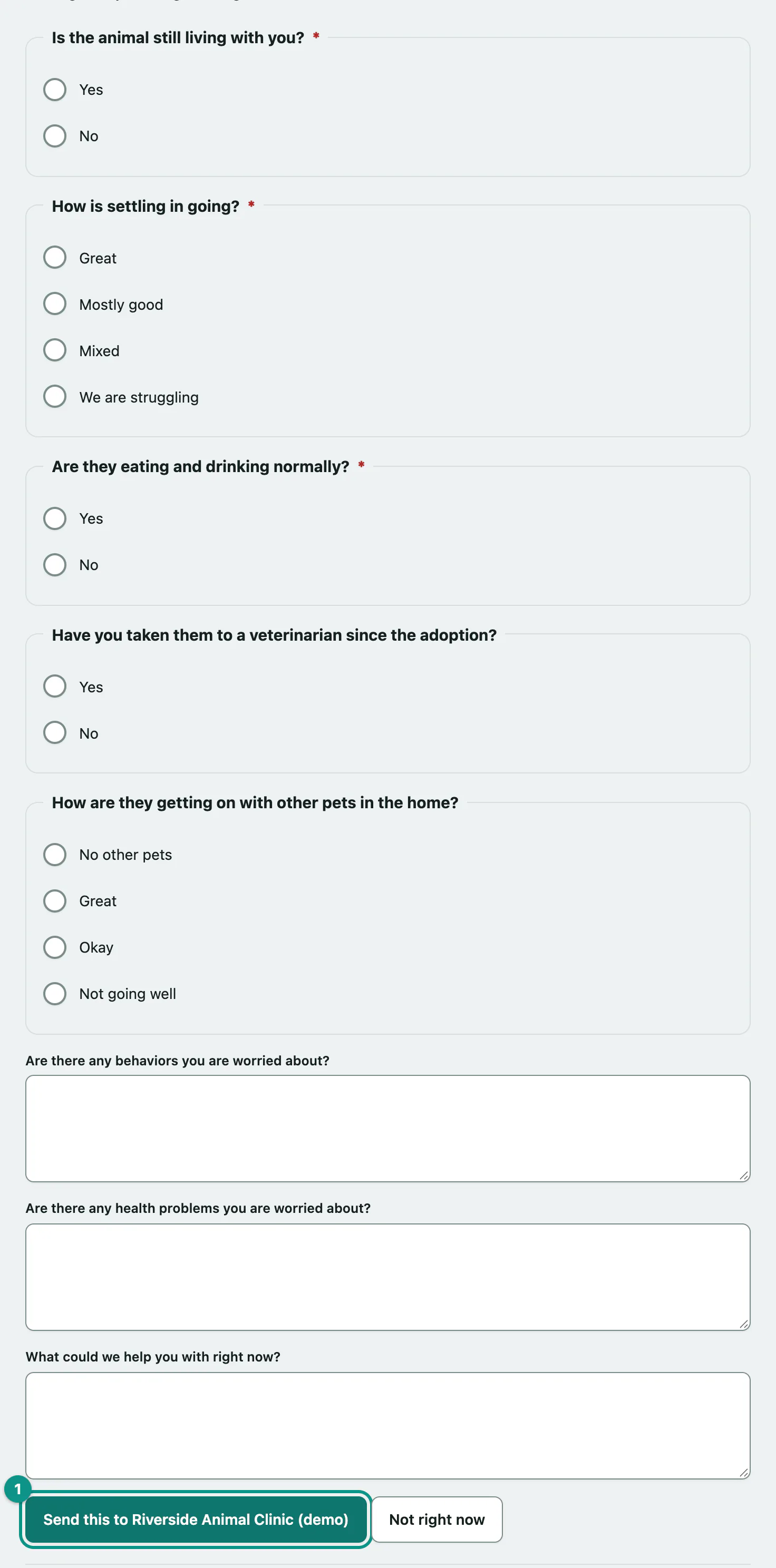
Answer the questions (required ones are marked with a star), then:
- Select Send this to … (the button names your shelter). Select Not right now to come back later.
You'll see Thank you — that's really useful to us. Nothing else is needed. The check-in leaves the list, and you can read your answers again under Your applications (see Apply to adopt or foster › Check where an application stands).
If nothing is due, the page says Nothing due right now. If the shelter checks in by phone instead, it says so.