
Records & admin · Records
Find a person
In Vivetra: Records › Find a Person
On this page
Vivetra keeps one record for each real person, however many roles they have at your practice: a pet owner who also fosters for your shelter is still one person. Find a Person searches those records.
Search for someone
- Select Records › Find a Person in the menu.
- Type a name, email or phone number in Search (name, email, or phone).
- Select Search.
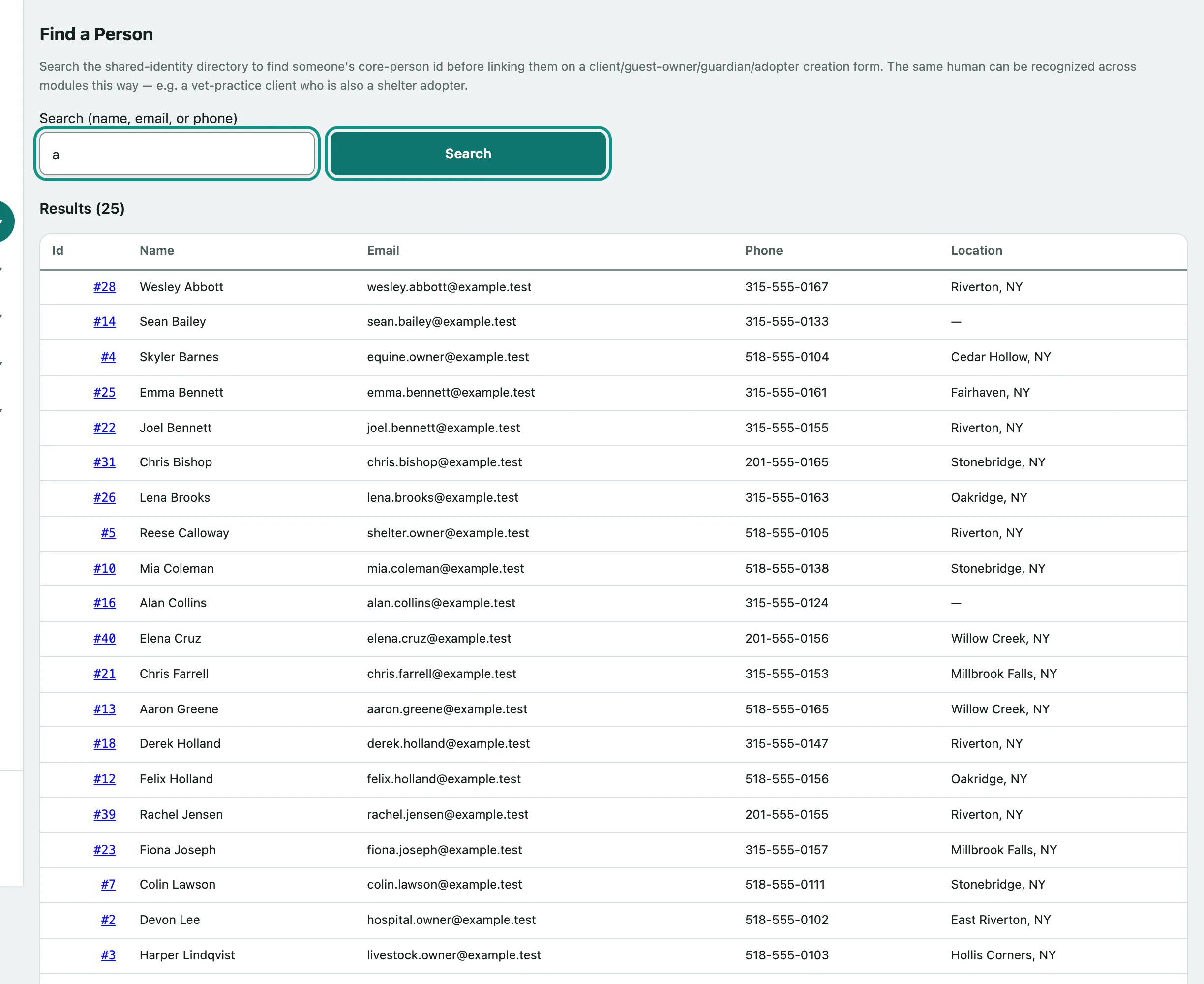
Results show each person's ID, name, email, phone and location. Select the ID to open their record.
What a person's record shows
- Contact: email, phone and address.
- Recognized across modules: every record linked to this person, such as a Vet-practice client, Boarding guest owner, Shelter adopter or Equine owner. Select a record to open it in its module.
This page is for looking people up. Contact details are changed on the module record (for example the vet-practice client), not here.