
Client portal · Equine
Pay a bill and manage saved cards
In Vivetra: Bills & payments · Saved cards
On this page
Bills & payments lists your bills from the practice and lets you pay what's due online. Saved cards is where you keep a card on file for next time.
Pay a bill
- Select Bills & payments in the portal menu.
- On a bill marked Balance due, tick Keep this card on file for next time if you'd like to save the card you pay with.
- Select the button that starts Pay. It shows the amount due.
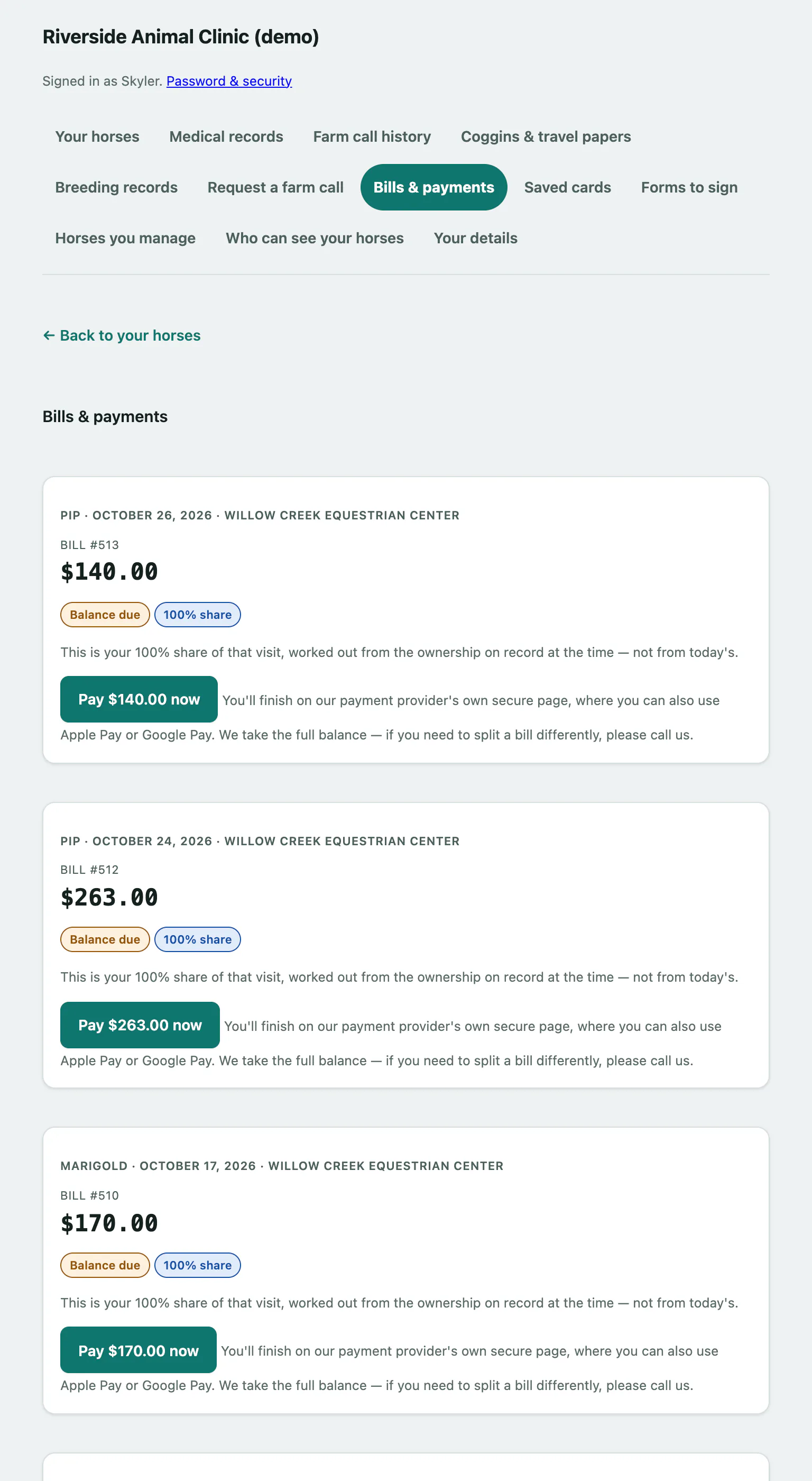
You finish on the payment provider's own secure page, where you may also be able to use Apple Pay or Google Pay. Once you've paid you come back to Bills & payments, and the bill shows Settled.
You always pay the full balance of a bill. To split one differently, call the practice.
Reading a bill
Each bill shows the horse, date, place and bill number, the amount, and Settled or Balance due.
- A pill such as 60% share means the bill is your share of that visit, worked out from the ownership on record on the day, not today's.
- Bills for a horse you own through a partnership are listed under Billed to and the partnership's name. Any partner can settle these; if someone else pays first, the bill simply shows as settled.
- If part of a bill was credited or refunded, the bill says how much.
If the practice isn't taking payments online, the bill tells you to call instead. If a bill changed while you were paying, a warning says your payment was received but a balance remains; contact the practice before paying again.
Manage your saved cards
- Select Saved cards in the portal menu.
- To add a card, select Add a card. You enter the card on the payment provider's secure page, then come back here.
- To make a card the one you're offered first, select Use this one first next to it. It's then marked Default.
- To delete a card, select Remove. The practice won't charge it again.
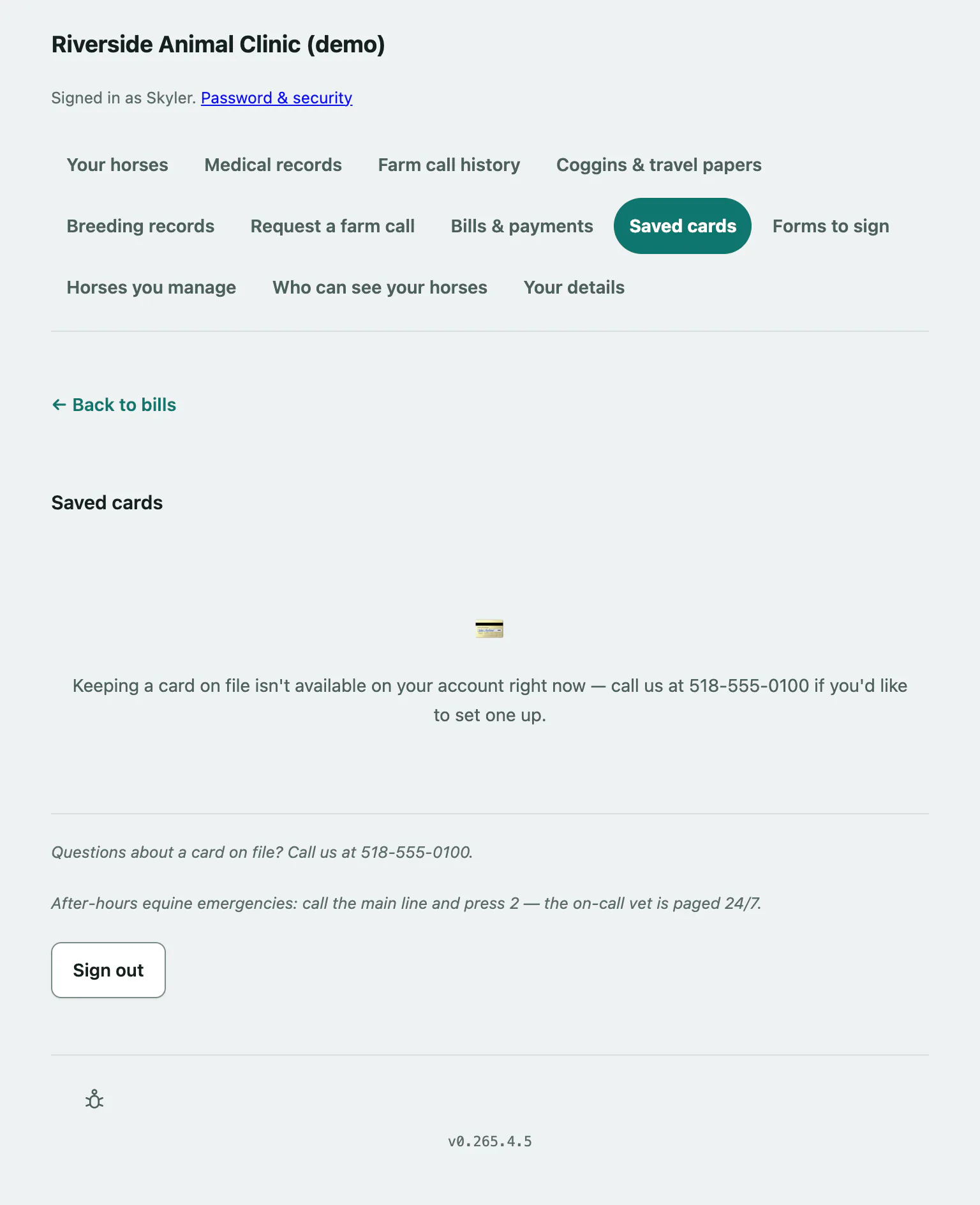
The practice never sees or stores your card number. A saved card is only charged when you choose to pay a bill with it, including a partnership's bill. Expired cards are marked Expired.