
Equine
Set up an ownership group
In Vivetra: Equine › Owners
An ownership group is a syndicate or partnership that owns a share of a horse as one party. Set the group up once, then give it ownership shares on each horse it owns.
Add an ownership group
Ownership groups (syndicates) is the lower half of the Owners page. You need the ownership-management permission to add or edit groups. Front desk, vets and practice managers have it by default.
- Select Owners in the Equine menu and scroll down to Add an ownership group.
- Enter the Group name. It's the only required field.
- Select Create group.
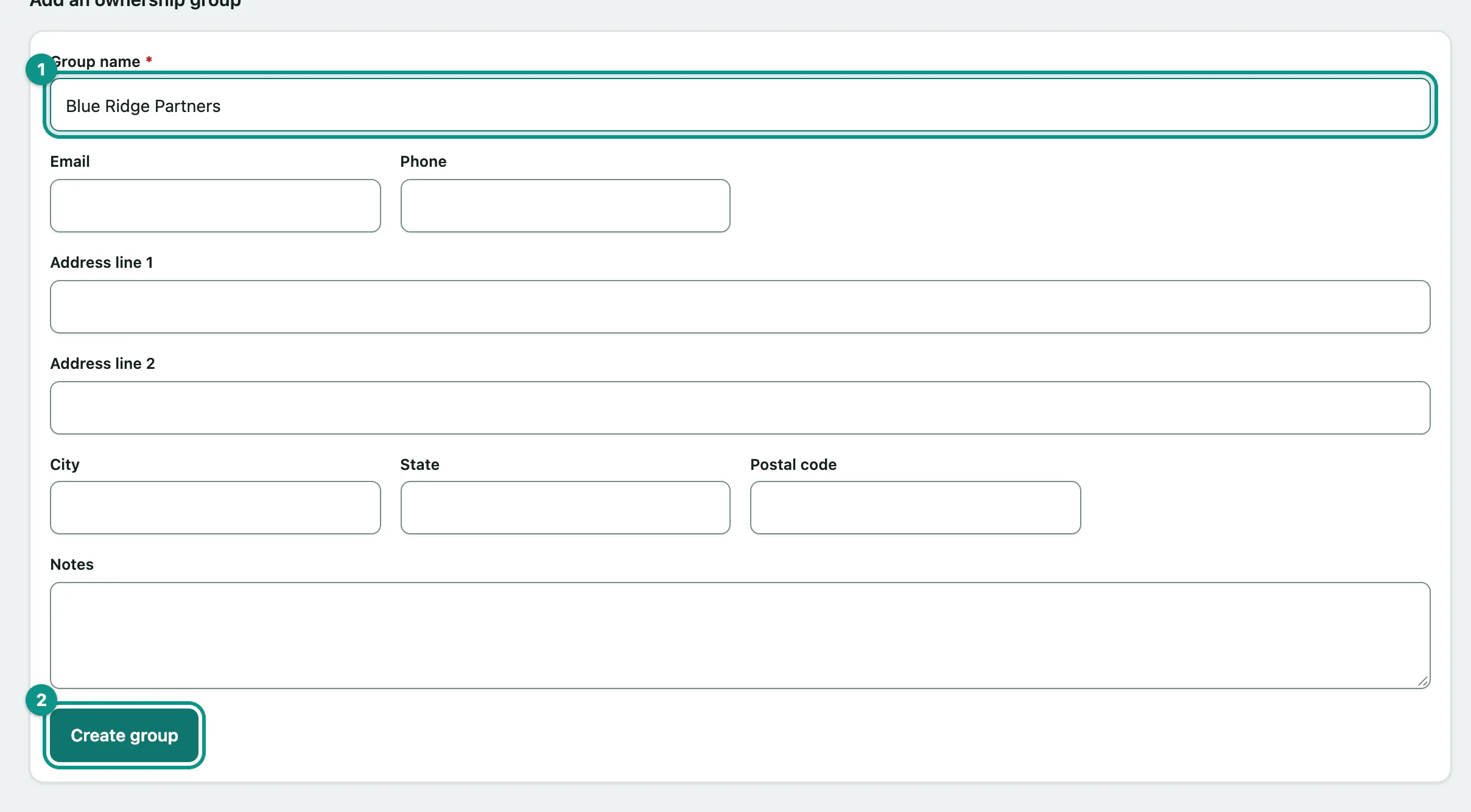
You can also record the group's email, phone, address and notes.
Then open each horse the group owns and add an ownership share for it (see Work with a horse's record › Ownership shares).
See what a group owns
- Under Ownership groups (syndicates), select the group in the Name column.
The group's page shows its contact details and Horses owned: each horse with the group's percentage, whether it's the Managing partner, the dates the share runs and whether it's Current or Ended. The Horses owned number in the list counts its current shares.
Edit a group
- Select Edit on the group's row, or Edit group on its page.
- Make your changes and select Save changes.