
Client portal · Equine
Update your contact details
In Vivetra: Your details
On this page
Your details is where you keep the email, phone number and address the practice uses to reach you about your horses: farm call reminders, results and bills. Changes take effect straight away.
Change your details
- Select Your details in the portal menu.
- Change any of Email address, Phone number, Address, Address line 2, City, state and Postal code.
- Choose How should we reach you?: Email, Text message, A phone call or Please don't contact me about routine things.
- Select Save my details.
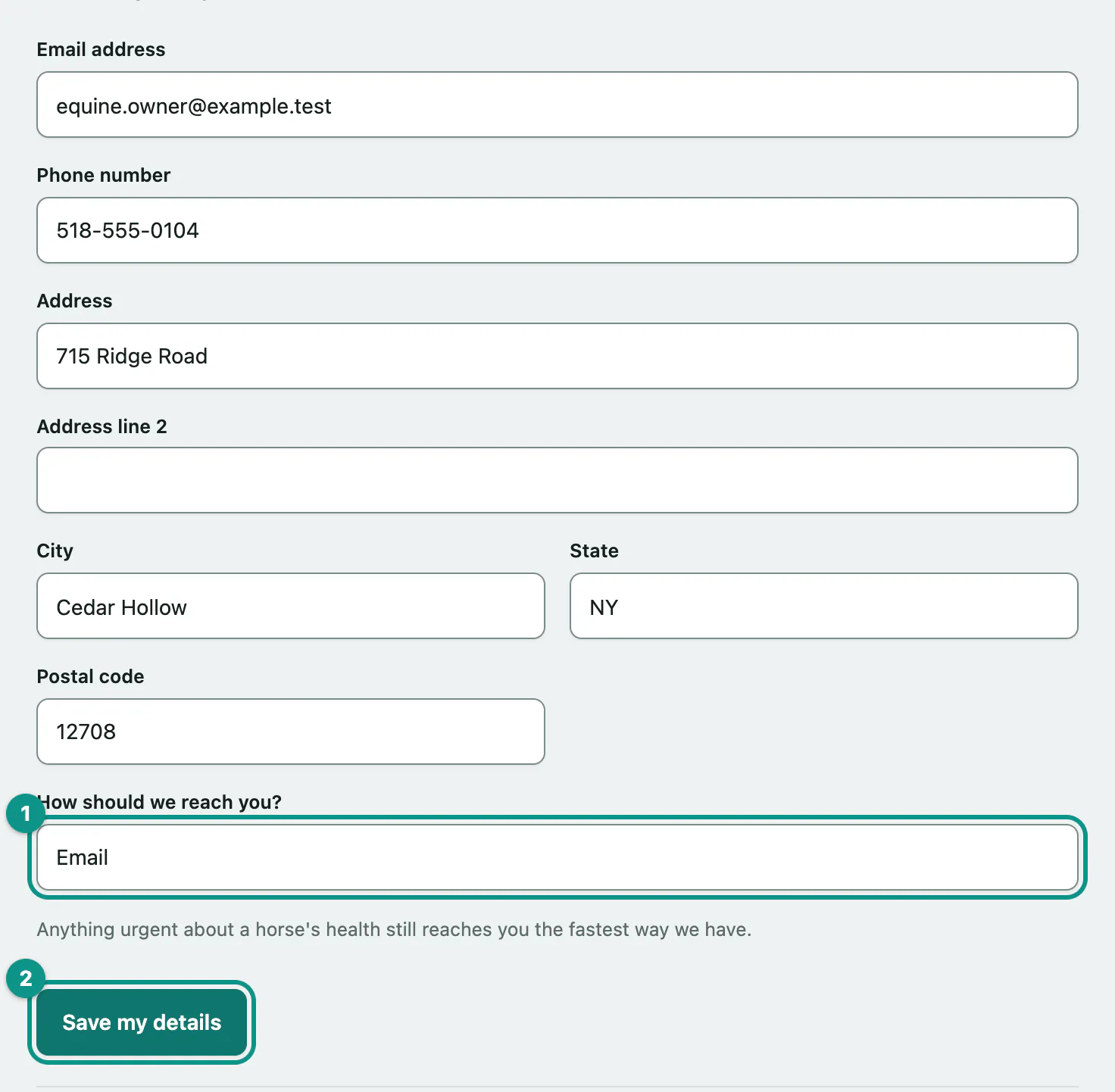
You'll see Saved. at the top. Anything urgent about a horse's health still reaches you the fastest way the practice has, whatever you choose.
If you only look after other people's horses, How should we reach you? isn't shown. How the practice contacts someone about a horse is set on its owner's account.
Your sign-in email
The email you sign in with is separate from the contact email above, so nobody can quietly redirect your account. To change it, call the practice.
To change your password or set up two-step sign-in, select Change your password or set up two-step sign-in (see Change your password and two-factor sign-in).