
Client portal · Shelter
Apply to adopt or foster
In Vivetra: Your applications
On this page
Your applications is where you send the shelter an adoption or foster application and follow where each one stands. The questions are the shelter's own, so they differ from one shelter to the next.
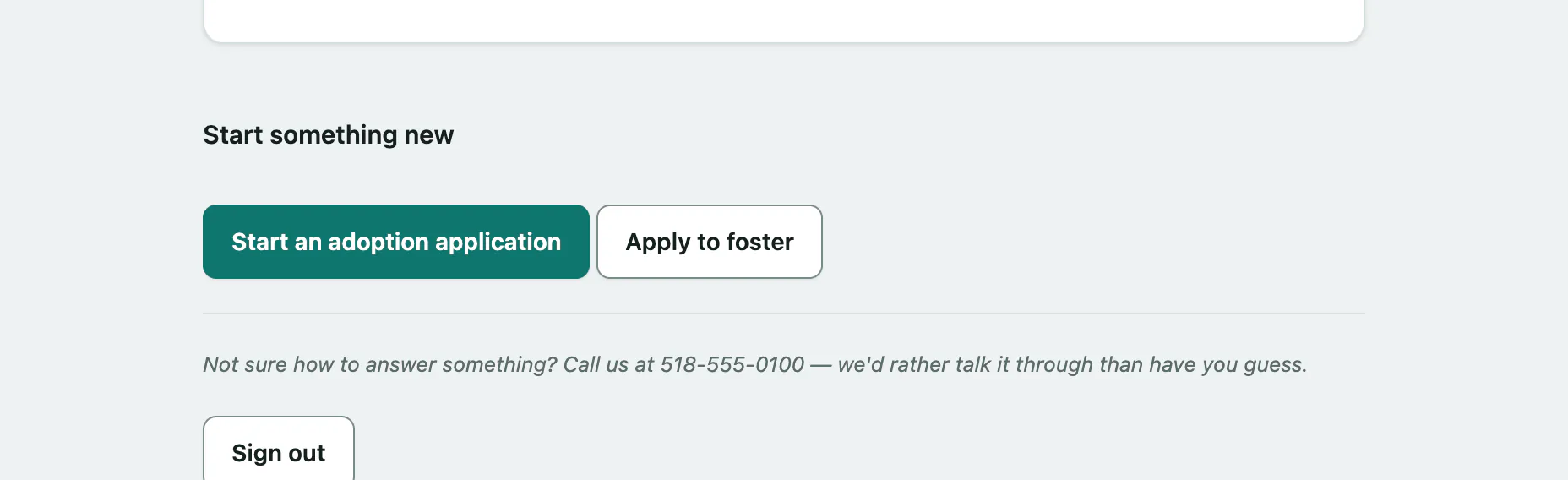
Send an application
- Select Your applications in the portal menu.
- Under Start something new, select Start an adoption application or Apply to foster.
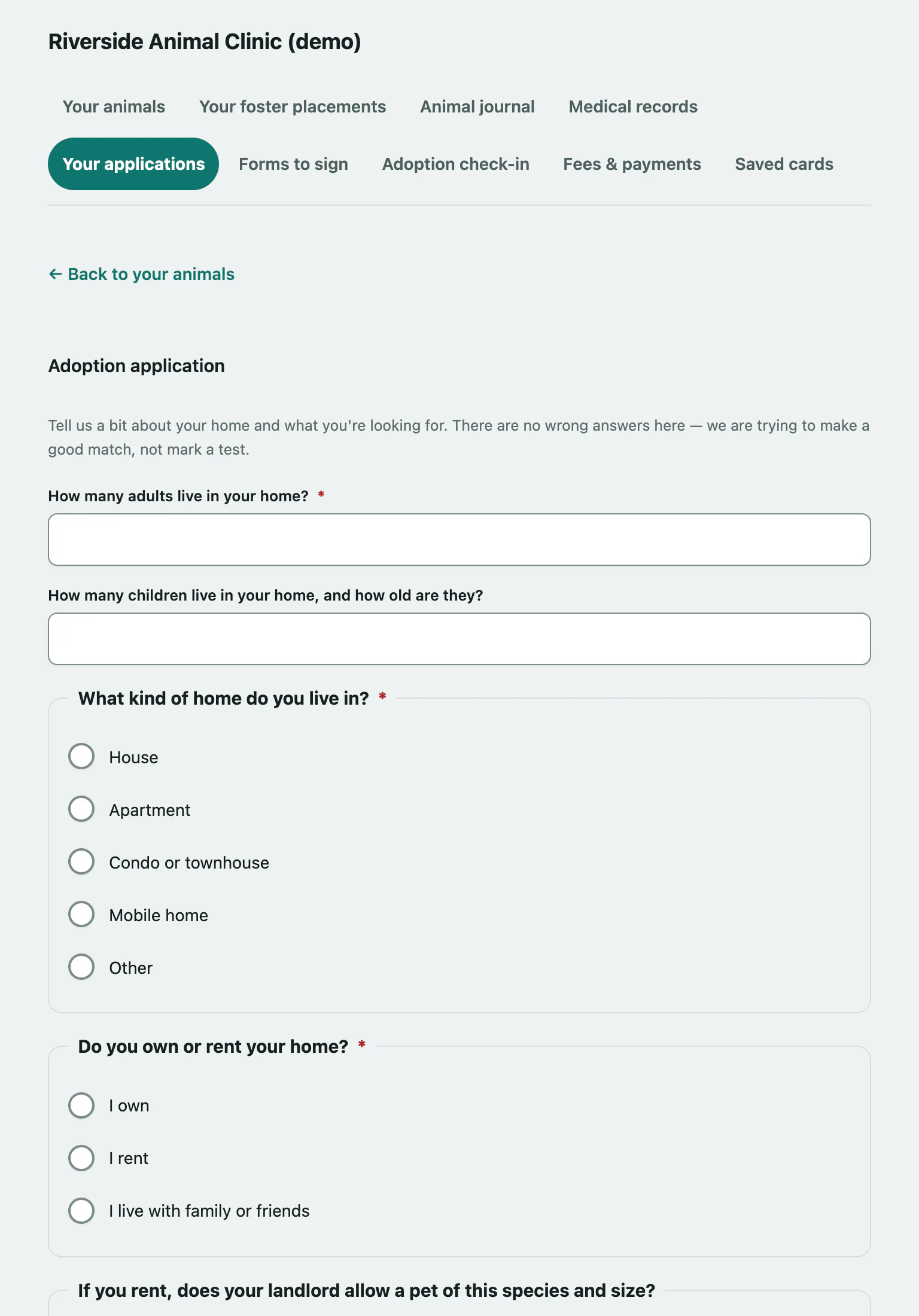
Answer the questions (required ones are marked with a star), then:
- Select Send this to … (the button names your shelter). Select Cancel to leave without sending.
You'll see Thank you — that's with us now. We'll be in touch. Once it's sent, you can't edit it. If something changes, call the shelter and they'll make a note against it.
If you missed a required question, the page tells you how many still need answers and keeps what you typed.
Check where an application stands
Each form you've sent is listed with the date and a status:
| Status | What it means |
|---|---|
| Submitted | The shelter has it. Someone will read it and get back to you. |
| Under Review | They're reading through it now. |
| Approved | Approved. They'll be in touch about next steps. |
| Declined | They weren't able to go ahead. Call them if you'd like to talk it through. |
| Withdrawn | The application was withdrawn. |
To read your answers again, select See what you sent on that application. Completed adoption check-ins show here too.
Under Your adoptions you'll see each adoption and its status. Approved means there may be a contract to sign and a fee to pay before the animal comes home (see Sign your adoption contract and Pay an adoption fee). Finalized means it's all done.
Adopt the animal you're fostering
If an animal is placed with you as a foster and the shelter takes adoption applications online, Thinking about keeping one? lists it.
Select I'd like to adopt … (the button names the animal), then answer the questions and send the application as above.
The animal stays with you as a foster while the shelter reads it. If an adoption is already in progress for that animal, the button is replaced by a note saying so.
Apply to foster from your placements page
If you're not set up as a foster caregiver yet, Your foster placements offers a link to tell the shelter about yourself. It opens a foster application with the shelter's questions.
Answer the questions. Required ones are marked with a star, and any you missed are flagged with We still need this one. Then select Send this to the shelter.
Sending it doesn't commit you to anything. While the application is open, the page shows the date you sent it and What you told us instead of the form, so there's no need to send another. Once you're approved, it shows You’re approved to foster. with a link to the foster caregiver agreement.